by Daisy Shopper | May 16, 2018 | Guides, Premium Guides
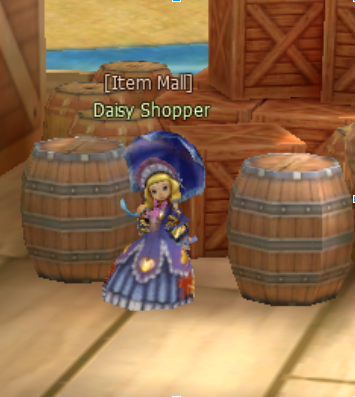
Greetings, Defender! In this article we will talk about the Item Mall services found on both the Defenders of the Cross Website and at the in-game world. These services includes all sorts of things, ranging from Mall-exclusive items and gear to help new characters all the way to premium account subscriptions and Defenders of the Cross related merchandise. Let us talk first about the Item Mall located on the web site. Above you can see the main page of the Defenders of the Cross Item Mall found on the website. You can find a variety of merchandise going through the catalog. There are D.O.T.C related items such as shirts, hoodies, phone covers and coffee mugs. There are also portals to access in-game services and unlock additional in-game content. These include the purchase of Reward Points (the currency used the by the in-game Item Mall), job skill resets, character transfer services, Item Mall insurance and premium account subscriptions. Keep a lookout for specials as well, as the Item Mall does offer discounts for events such as Black Friday / Cyber Monday. IN-GAME CONTENT The item’s that take up the in-game Item Mall’s stock can be found by searching out the “Daisy Shopper” NPC within the Adventurer’s Plains in the world of D.O.T.C. Depicted to the right, simply double click on her and you will be provided with a prompt including the option to browse her wares, this will open up the currently running Item Mall catalog to view and peruse at your leisure. Depicted here is an example of the Item Mall catalog provided by Daisy Shopper. Your typical layout...
by Andrew | May 16, 2018 | Guides
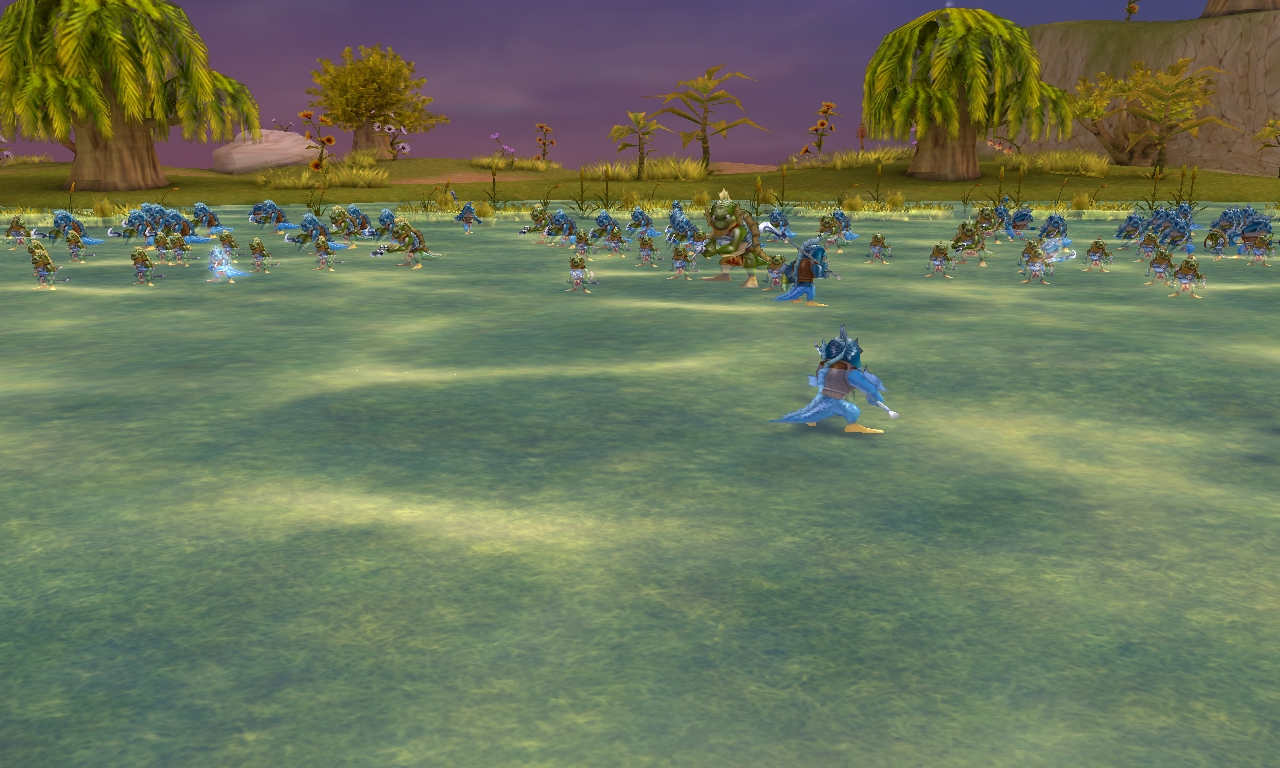
Fighting a large enemy force can seem messy and chaotic at first. But if you take time to observe how your enemies attack you and react to the actions of the players, you may notice there is rhyme and reason behind how they approach defenders. A first important step is being aware of the fact that the M.O.B. will recognize your group’s roles. Although there can be subdivisions within these categories, it can be broadly defined as: Front line, Attackers and Supports. The M.O.B. will approach these roles in specific ways, and if you (or your group) does not keep this in mind, they may find themselves being overrun in a battle that you could otherwise win. On the other hand, proper knowledge of this can help players direct the flow of battle into a much more controllable pace. FRONT LINE: These are your “Tanks”, they act as the main buffer between the aggro (main attack targets) of the enemy force and the rest of the players. The front line is mostly composed of Soldier job classes such as Knights and Champions. While there are other classes than can act as members of a front line in times of need; pound for pound, these two are the principal components of it. (Some classes that are in the front line are Clerics with blunt weapons, Dealers with launchers and Hawkers with crossbows). In some instances defensive summons can assist with the front line by luring aggressive enemies onto them. ATTACKERS: These are the dedicated damage dealers of the group, while their positions behind the front line can vary based on...
by Andrew | May 16, 2018 | Basics, Guides
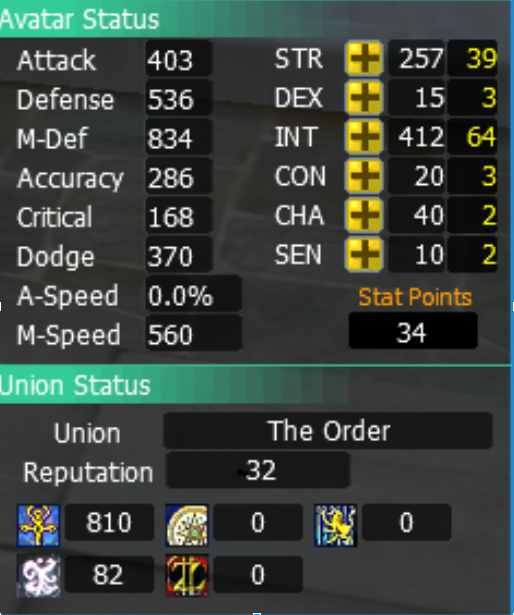
In Defenders of the Cross, every time you level up you receive Stat Points. These points are used to increase your Main Stats. When you increase your stats you also increase your Vitals and Character Stats. First let’s learn about Main Stats. The names of the stats and what attributes they raise are as follows: STR stands for Strength. Attack power of One-Handed Sword / Blunt Weapons, Broadswords, Spears, Axes and Combat Techniques. Slightly increases attack power of Dual Weapons, Staff and Katars Increases Maximum Health and Health Recovery Increases Defense Increases inventory capacity (Weight) DEX stands for Dexterity. Increases Attack Power of Dual Weapons, Katars and Combat Techniques Increases Attack Power of Bows and Crossbows Slightly increases Attack Power of Guns Slightly increases Dodge Rate INT stands for Intelligence and Wisdom. Increases Attack Power of Staves and Wands Increases Magic Defense Increases MP and MP Recovery Increases Buff Potency Increases Magic Skill Damage CON stands for Concentration. Increases Attack Power of Guns and Launchers. Slightly increases Attack Power of Bows and Crossbows. Improves Accuracy of both auto attacks and skills. Increases crafting success chance CHA stands for Charisma and Charm. Increases loot quantity. Increases chance of item appraisals for crafted items Increases control over Monster Aggression Items gained from Disassembly Reduces chances of gear breaking due to combat injury. SEN stands for Sense and Sensibility. Improves Critical Hit rate Improves chance of higher durability when crafting Improves Reliable Skill Damage Improves Reliable Skill Defense Let’s learn now about Vitals. These are the ones you want to always keep a close eye on. These are: –...
by Master Ghouly | May 16, 2018 | Basics, Guides
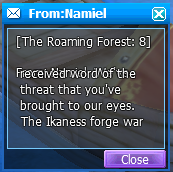
Greetings, Defender! This is a guide dedicated to helping you understand how the mailing system works in Defenders of the Cross and what to do about special mailings you may receive during your adventures. We will begin with the basics. The Community Window This is the window you access by pressing Alt+C while in the game. In it you can see the mail that has been sent you you by people on your friend’s list. However, throughout your time in Defenders of the Cross, there may be documents or messages sent to you from the MOB in the form of messages directed to you by NPCs, SNPCs or a variety of groups or organizations. These messages will also be stored in your community window in the form of mail. It can show up as the name of the document you’ve obtained and the information stored within, or as a message from the storyline person / group that sent you the envelope. Here is an example of a message sent from an NPC. An issue that you may run across when it comes to the messages sent by the MOB is that they are not convenient to view, as shown in the example to the right. Furthermore, due to the nature of how these messages are sent, you will also find that erasing them does not work. So how do you deal with this? You check your messages at the source! All of these messages are stored in your computer, here is how to access them: Go to your main disk – typically Windows (C:) – on your computer,...
by Master Ghouly | May 16, 2018 | Guides
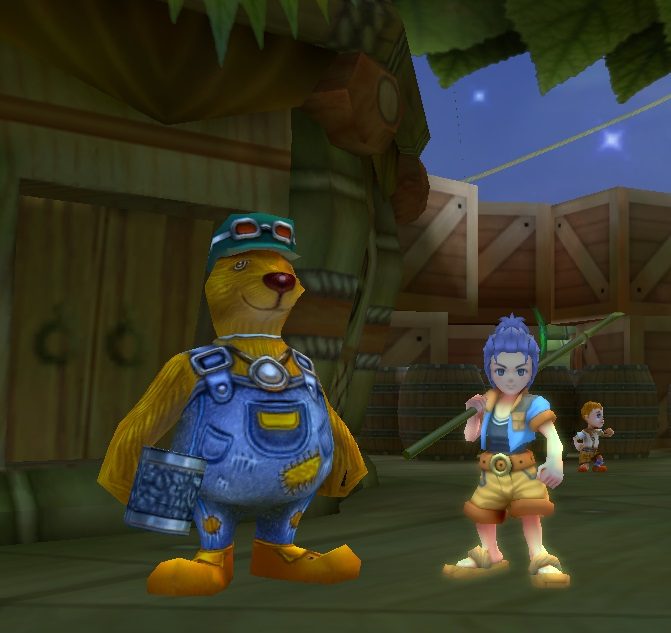
The M.O.B. (or Main Operating Bot) is an element unique to the realms of DotC. It is the liaison between the players and the world around them. While it can exert its presence in a variety of shapes and forms, the M.O.B. can be defined broadly as: “The will of the world around you”. Whether you are speaking with a citizen of a town, take an action that changes the landscape around you, engage in role play with others, fight off hordes of invading enemies, interact with a SNPC (or Smart Non-Playable Character) or orchestrate a series of events; the M.O.B. is always either directly or indirectly involved. Second only to the players themselves, one of the main driving forces behind events is the M.O.B. As such, it is important to learn the nuances and methods of how it operates. Defenders of the Cross takes a lot of inspiration from classic role playing games, both tabletop and electronic. It is not far fetched to consider the M.O.B. a Dungeon Master of sorts following you through your adventurers (and may I remind you, DotC has GMs which also work in tandem with the M.O.B. by adding new content from time to time!). Going along with considering the M.O.B. as a Dungeon Master, it is very helpful to always remind yourself of this fact: The M.O.B. is truly and relentlessly impartial. It merely oversees and drives events throughout the world, and can at times seem to truly be against some players or in favor of others, but such is the nature of neutral entities, they can appear to be extremely finicky....